One app. Three portals.
Students, teachers and office staff each get their own portal in the same app — connected live to your school's NanoSchool system.
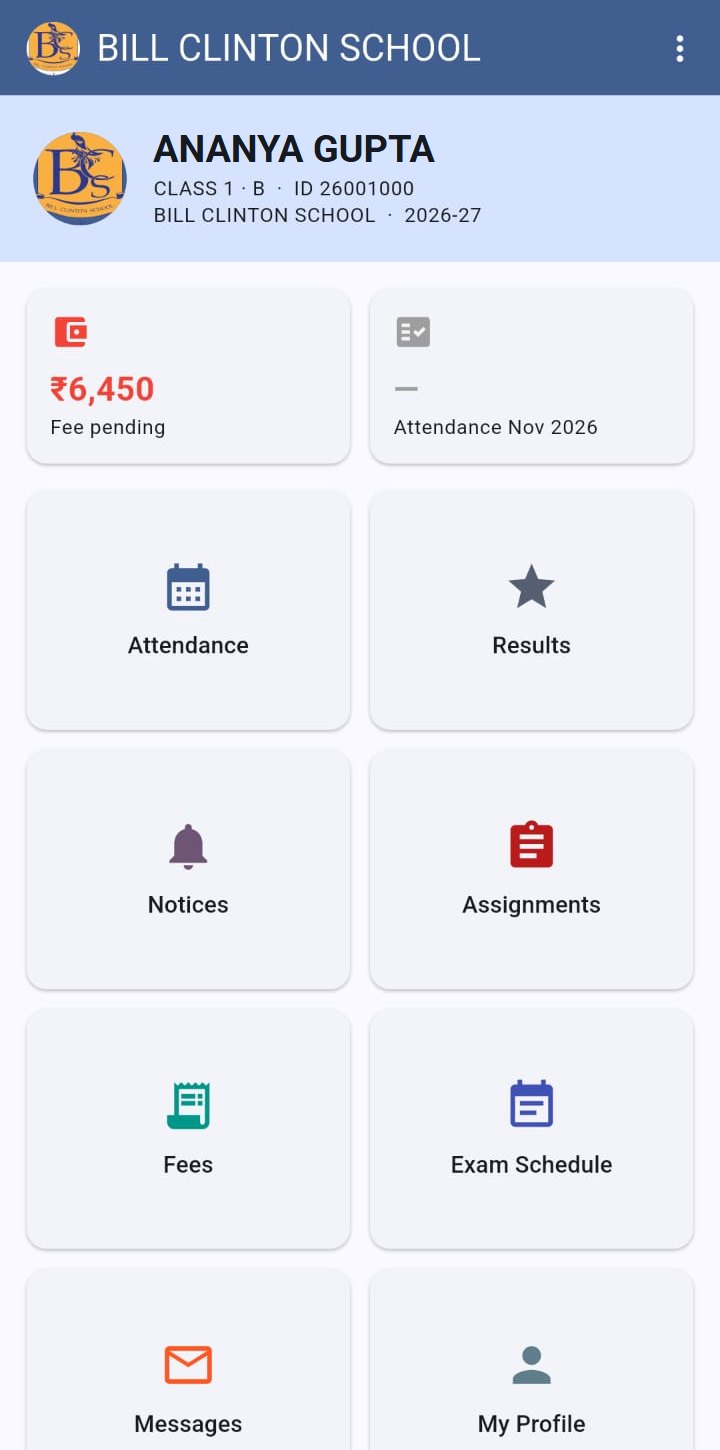
Attendance
See daily attendance and the monthly record.
Results
View exam results as soon as the school publishes them.
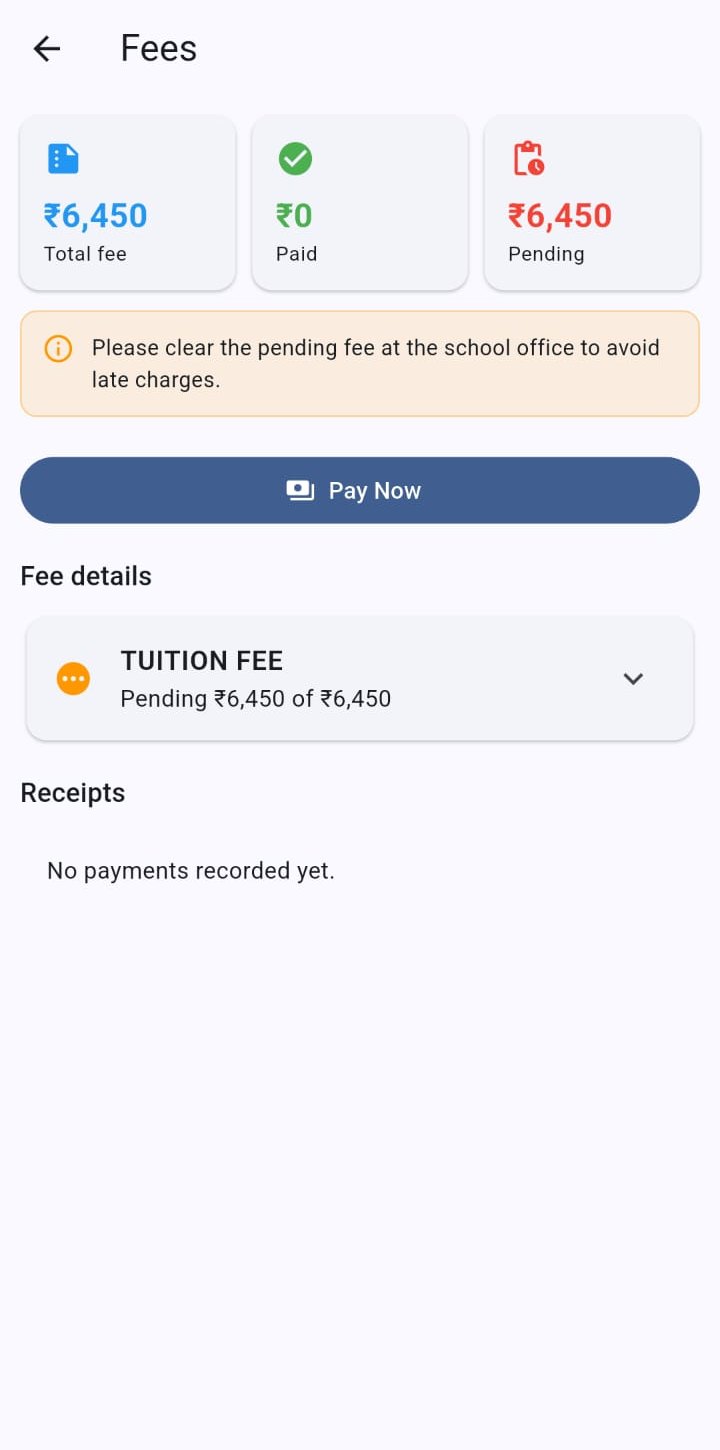
Fees & online payment
Check fee dues and pay securely online.
Assignments
Download homework and submit work from the phone.
Notices & messages
School notices, and messages to the school.
Exam schedule
Upcoming exams and timetable at a glance.
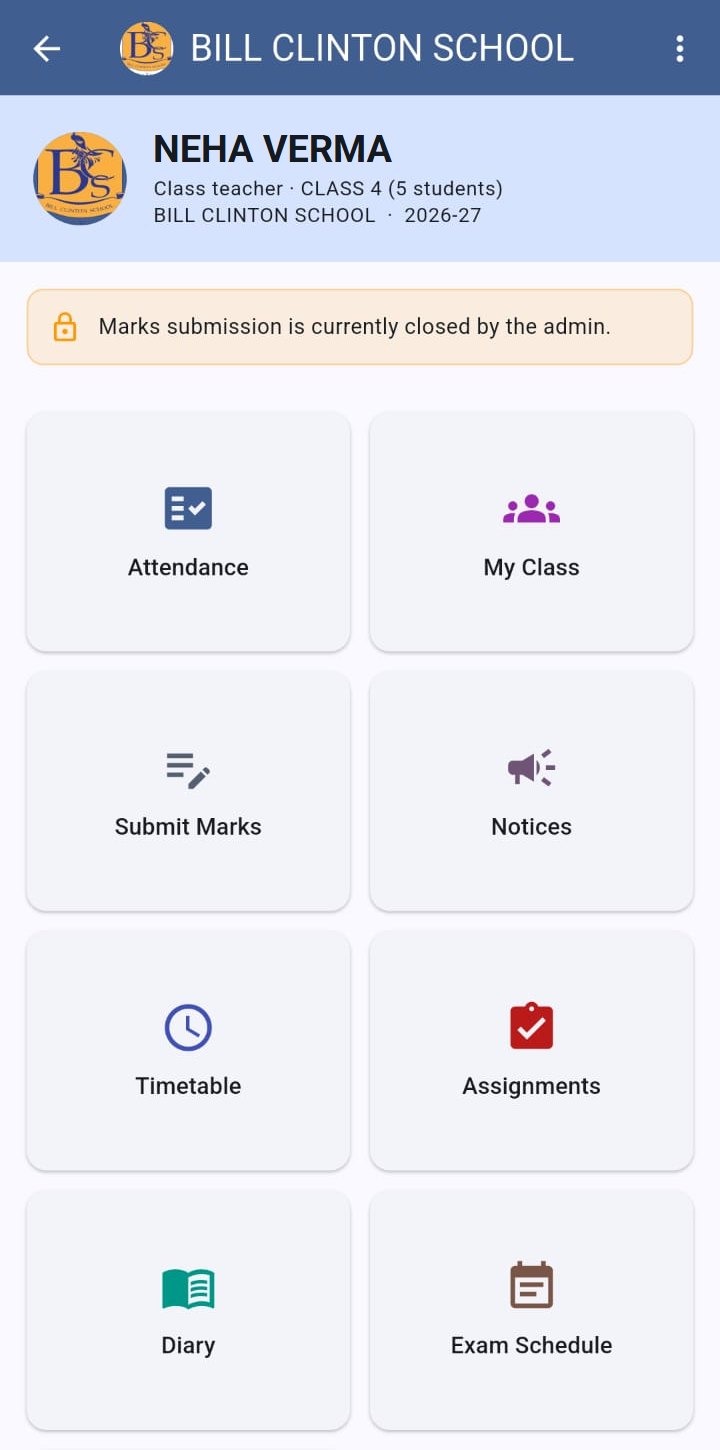
Mark attendance
Take daily attendance for your class in seconds.
Enter marks
Enter exam marks subject-wise, including theory/practical.
Timetable
Your periods for the day and the week.
Assignments & diary
Post assignments, review submissions, keep the teacher diary.
Notices
Publish notices to students instantly.
My class
Class roster with student details, plus your own profile.
Admissions
Student lists, details and new admissions on the go.
Staff
Staff list, staff details and adding new staff.
Fee reports
Fee summary, report, pending and discount reports.
Bulk messages
Send bulk messages and check message logs.
Exam schedule
See the published exam schedule.
Permission-based
Each staff member sees only the modules they are allowed.
See the app
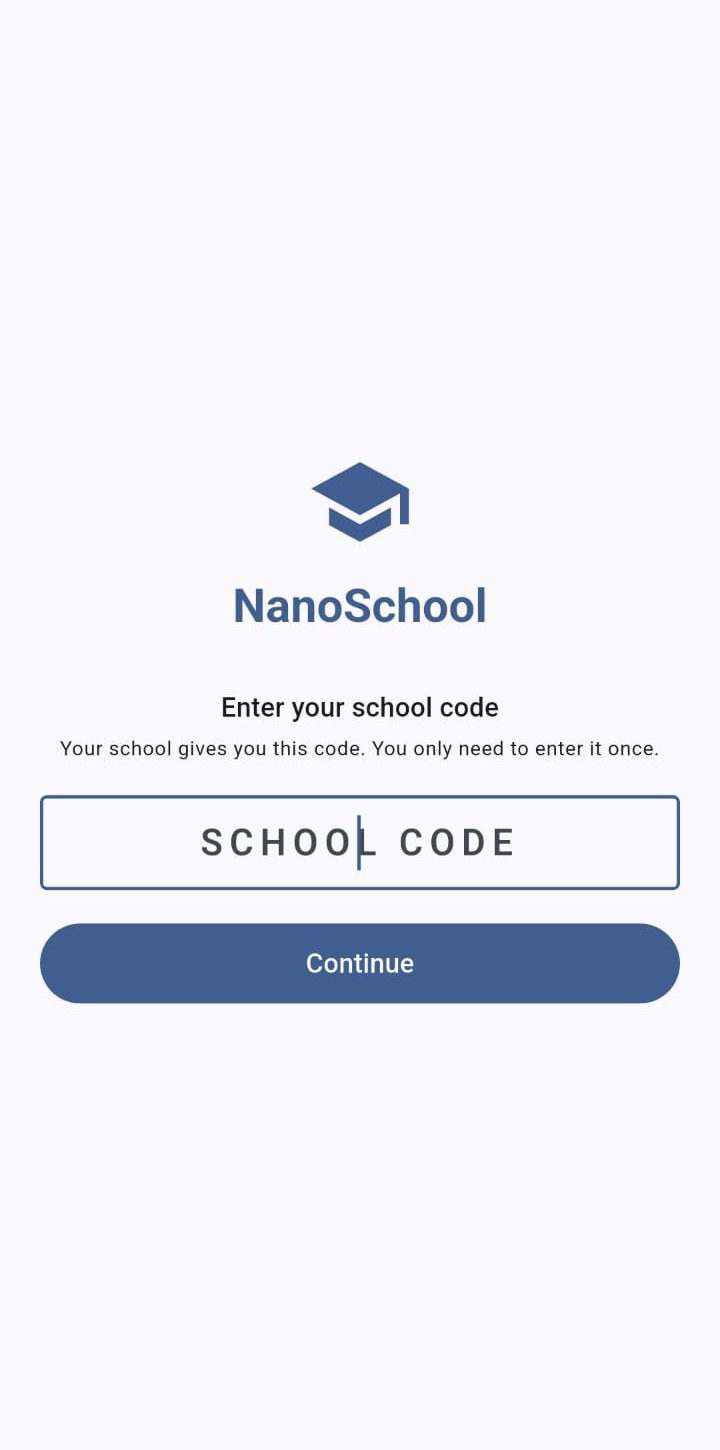
Screenshots from the live app. Names are replaced with sample names.
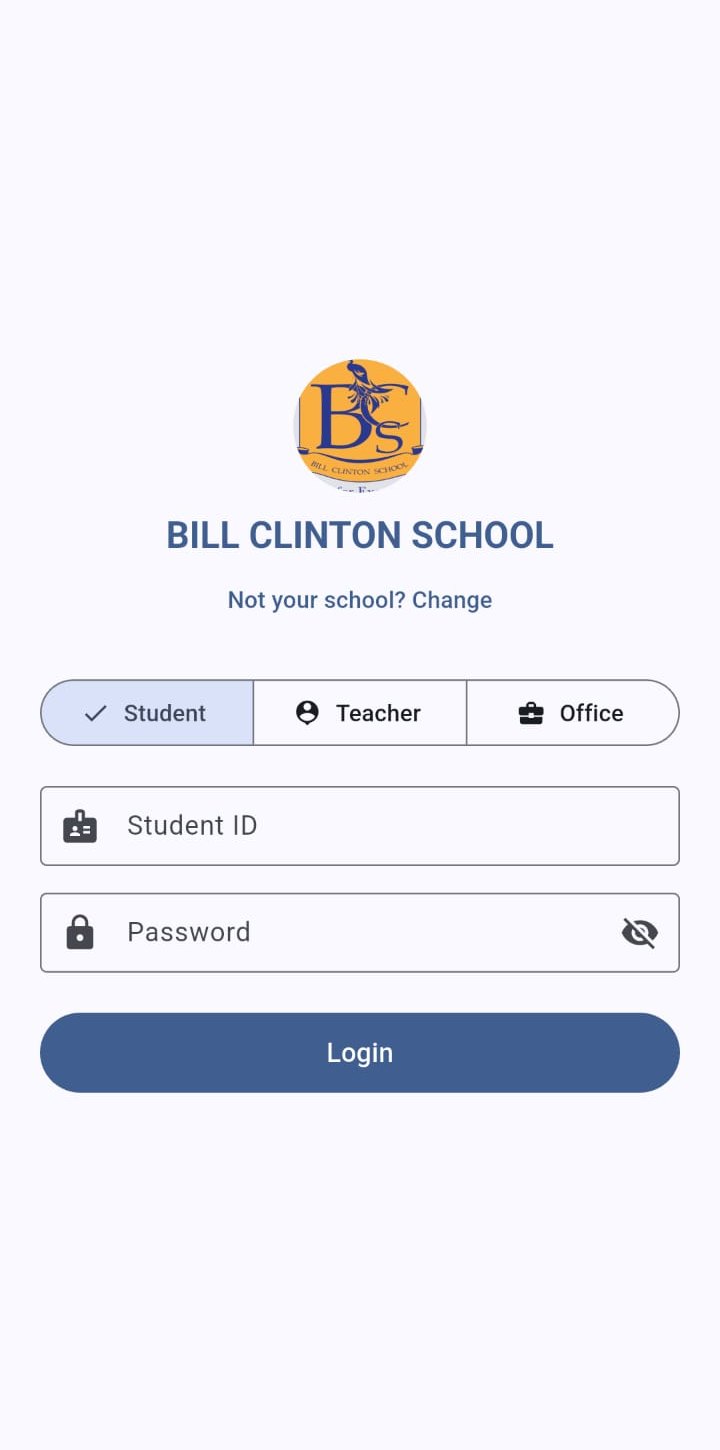
Join with a school code
Every school gets its own school code. Users enter it once when they first open the app, confirm their school's name and logo, and log in. They only ever see their own school — never a list of other schools.
- Each school keeps its data on its own server
- Logo and name of your school on the login screen
- Change school any time with a new code
Safe, fast and always up to date
Push notifications
Notices, results and fee updates arrive instantly, even when the app is closed.
Online fee payment
Parents pay through Razorpay; payments appear in the school's fee records.
Secure login
Hashed passwords; new accounts must set their own password on first login.
Live with the web
Everything the app shows comes straight from your school's NanoSchool system.
See NanoSchool working with your school's data
Book a free online or on-site demo. We'll walk your office staff and teachers through admissions, fee collection, results and the mobile app.